
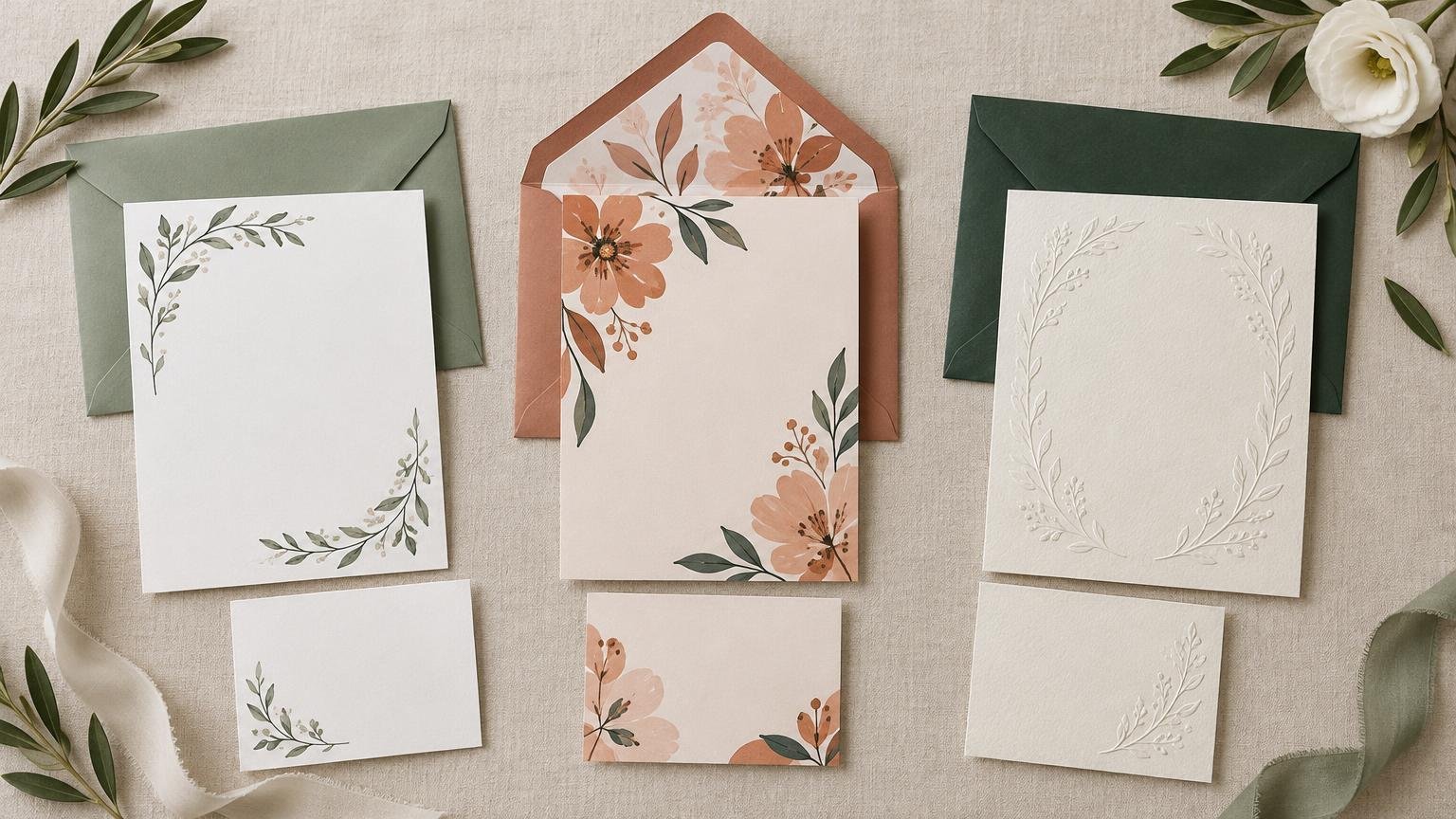
The best wedding invitation printer depends on what you want to make easy. VistaPrint is our budget pick and the strongest option for uploading a finished design. Minted is best for premium, artist-created stationery. Zola makes the most sense for couples building a coordinated suite around a wedding website and planning tools. PrintInvitations is the straightforward choice when you want conventional printed invitations without wandering through an enormous wedding platform.
These recommendations are based on current product information, ordering workflows, paper choices, proofing features, samples, addressing and matching stationery—not a side-by-side physical print test. That distinction matters. A long list of “luxury” paper names tells you what can be ordered; it does not prove that one printer has more accurate color or cleaner trimming than another.
| Best for | Our pick | Why it stands out | Main tradeoff |
|---|---|---|---|
| Budget orders | VistaPrint | Frequent promotions, included envelopes and broad paper selection | Promotional pricing varies by configuration |
| Uploading your own design | VistaPrint | Broad file support plus downloadable setup templates | You must check bleed, safety margins and proof carefully |
| Premium design | Minted | Independent-artist designs and specialty printing choices | Premium formats can increase the total quickly |
| Coordinated wedding suite | Zola | Invitations, website tools, addressing and day-of pieces | Paper and feature choices vary by design |
| Straightforward ordering | PrintInvitations | Focused invitation ordering and proofing workflow | Smaller ecosystem than an all-in-one planning platform |
Best budget option: VistaPrint
VistaPrint is the sensible starting point when the invitation budget has to coexist with catering, flowers and seventeen other expenses that appeared from nowhere. Its wedding suites can include invitations, enclosure cards and RSVP cards, while envelopes and backside printing are listed as included. Depending on the product, available stocks include matte, glossy, uncoated, recycled, pearl, linen and soft-touch options.
VistaPrint currently promotes discounted invitation quantities, but treat any headline deal as a temporary offer rather than the normal cost of your suite. Compare the delivered total using your actual quantity, stock, finish, enclosure cards and envelopes. Our detailed VistaPrint versus Minted comparison explains where the budget convenience ends and the premium-stationery case begins.
The broad stock selection is useful, but more options are not automatically better. Matte or uncoated paper is a safe choice for understated designs and readable type. Pearl and glossy stocks add visual impact but can change how photographs, pale colors and small lettering look. If thickness is your main concern, use our wedding invitation paper-weight guide before paying for the biggest number in the menu.
Best for uploading your own design: VistaPrint
VistaPrint also wins for a finished design created by you or a designer. It supports common upload formats including PDF, AI, PSD, JPG, PNG and TIFF, although compatibility varies by product. Downloadable templates show bleed, trim and safety areas, and VistaPrint recommends high-resolution images and reviewing a PDF proof before ordering.
This is the right workflow when the artwork is already complete and you want a printer rather than another design subscription. Uploading does transfer more responsibility to you: inspect spelling, dates, crop marks, margins, image resolution and the back of every card. A printer can reproduce a typo with tremendous efficiency.
Best premium design selection: Minted
Choose Minted when the design itself is the priority. Its wedding stationery features work from independent artists and specialty choices that include foil-pressed, Gloss-Press, letterpress-related and all-in-one formats. A current Gloss-Press listing includes envelopes, guest addressing and matching accessories, while Minted also offers sample-kit and individual-sample routes.
Minted is especially compelling when you want a coordinated, designer-led look without supplying finished artwork. The tradeoff is cost discipline: premium printing, upgraded formats and matching pieces can turn one attractive card into a much larger stationery order. Decide which element guests will actually notice before upgrading everything.
Minted’s all-in-one format is worth considering for a compact suite. It is described as a pre-scored, folded mailer supplied with clear sealing stickers. Minted ships invitations to the customer rather than mailing them directly to guests, so assembly and postage remain on your list.
Best full wedding suite: Zola
Zola is the strongest fit when printed stationery needs to work with the rest of your wedding setup. Its range extends from invitations and save-the-dates to wedding websites, RSVP pieces, menus, place cards, table numbers, signs and other day-of items. Zola states that stationery orders include guest and return-envelope addressing, and it offers up to five invitation samples.
Paper choices can be extensive, but they vary by design. One current invitation lists smooth, eggshell, recycled, pearlescent, linen, natural, double-thick and triple-thick stocks. That makes sampling particularly valuable: “eggshell” and “pearlescent” are much easier to judge with your fingers than with adjectives. Compare Zola’s broader workflow in our Zola wedding invitation tools guide.
Best for designing and printing in one editor: Canva
Canva is useful when you want to create the invitation yourself without learning professional layout software. You can begin with a template or blank design, choose available print specifications, review the design and order from the editor. Availability varies by region, and Canva also provides PDF Print downloads if you decide to use another printer. Canva’s print documentation explains the workflow.
The convenience comes with a clear obligation to proof your work. Canva says its checks may not catch every problem and recommends suitable image resolution and print-oriented color settings where possible. Canva is therefore easiest for designing, but not a substitute for reading every line twice.
Best straightforward invitation-ordering option: PrintInvitations
PrintInvitations suits couples who want a focused invitation purchase rather than a planning dashboard or a sprawling artist marketplace. For printed wedding invitations, stationery and card options, view options. Its narrower focus is the attraction: choose the invitation, submit the design, review the proof and place the order.
This is a particularly good route when you already know the general look you want and value a conventional proofing process. Couples deciding between a focused printer and a larger customization platform can use our PrintInvitations versus Basic Invite comparison to see where each approach works best.
Check the completed invitation, not just the card
Paper, envelopes and embellishments affect more than appearance. The USPS First-Class Mail guidance says letter-size pieces must stay within applicable limits for dimensions, thickness and weight; shape, rigidity and other characteristics can trigger nonmachinable treatment. Square envelopes, thick stocks, multiple enclosure cards, ribbons and wax seals can all change the mailing result.
What to verify before ordering
- Order samples of your preferred paper and finish whenever the deadline allows.
- Compare the total for the invitation, enclosures, envelopes, addressing, upgrades, shipping and postage—not the advertised starting price.
- Review a digital proof at full size and check names, date, time, venue, website, RSVP deadline, bleed and card backs.
- Confirm whether guest addressing, return addressing and envelopes are included for your exact configuration.
- Build production, shipping, assembly and correction time into your schedule; our wedding invitation timeline can help.
- Weigh and measure one fully assembled suite before purchasing postage.
The final verdict
Start with VistaPrint for budget orders or finished artwork, Minted for premium designer stationery, Zola for a coordinated wedding ecosystem, Canva for do-it-yourself design, and PrintInvitations for a focused ordering experience. The best service is the one whose workflow matches your actual job—and whose final cart still makes sense after paper upgrades, envelopes, shipping and postage join the ceremony.
References
- faq.usps.com
- Wedding Invitation Suites | VistaPrint
- What kind of file formats do you support for uploads? | VistaPrint Help Center
- Lined Gloss-Press® Wedding Invitations by Erin Deegan | Minted
- How to Assemble Wedding Invitations Step by Step | Minted
- Wedding Stationery, Paper and Digital Invites | Zola
- Reece Classic | White | Zola Wedding Invitations
- Learn about Canva Print – Canva Help Center
- Proof your designs for print – Canva Help Center