
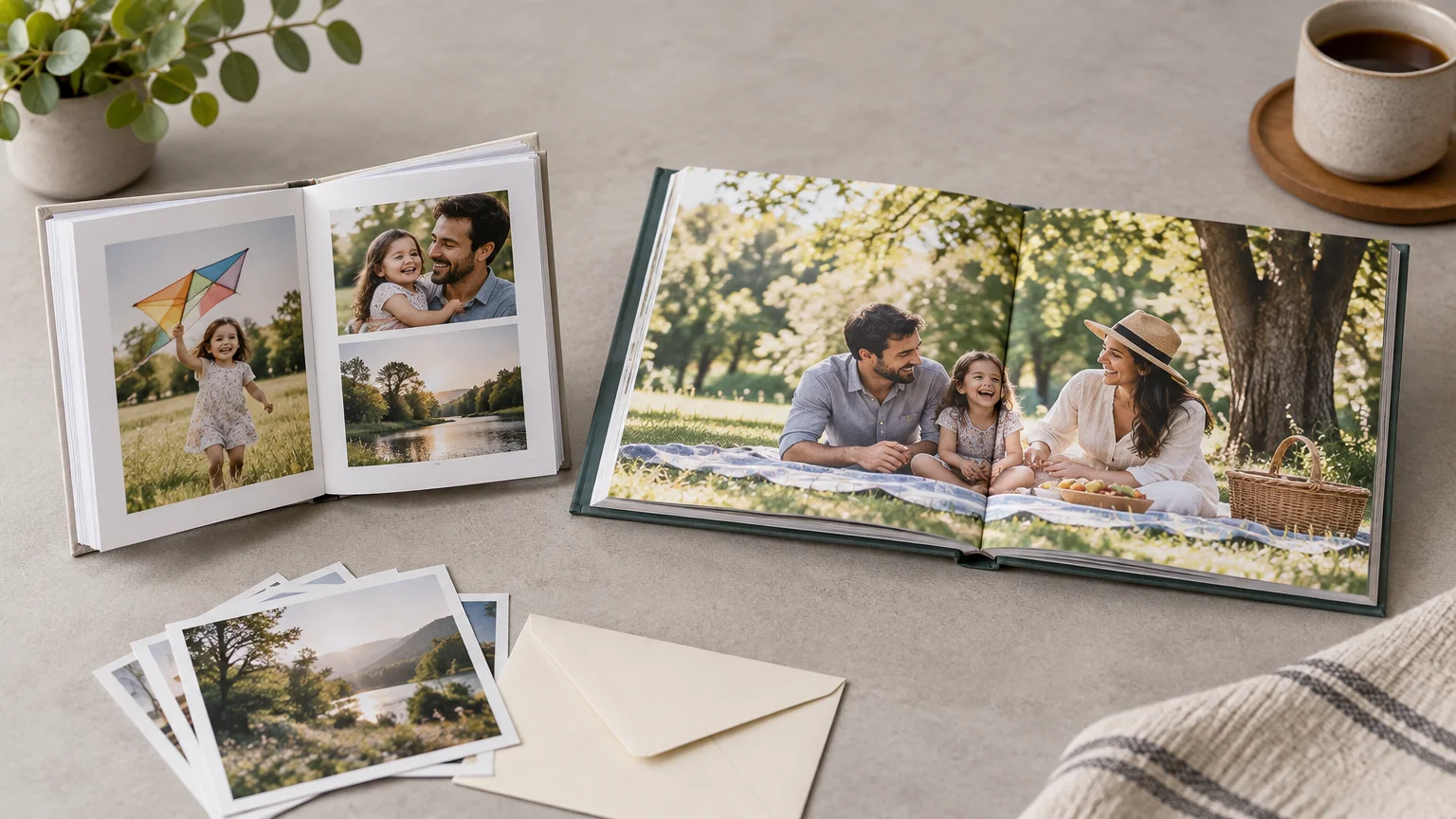
TLDR: Snapfish is the more appealing starting point for a quick, casual family album, particularly if you want a small format or a straightforward mobile-friendly workflow. Shutterfly is the stronger fit when you want a wider ladder of premium options, a designer-assisted route, or a large yearbook-style project. Neither is automatically the cheaper service: promotions, extra pages, binding upgrades, and shipping can reverse the headline price by checkout.
The practical answer to Shutterfly vs Snapfish photo books is to choose the service around the album you are making. For a 20-page collection of vacation pictures, speed and a good promotion may matter most. For a 70-page family yearbook, page pricing and the maximum allowed page count become much more important. A dramatic coupon attached to the cover price will not rescue expensive added pages.
This is a research-based comparison using current product information and published policies, not a hands-on print-quality test. There is not enough matched physical evidence here to name a winner for color accuracy, paper feel, trimming, packaging, or long-term durability.
Shutterfly vs Snapfish photo books at a glance
| Decision | Better starting point | Why |
|---|---|---|
| Quick casual family album | Snapfish | Its documented Autofill, mobile tools, small formats, and project-saving features suit a low-friction project. |
| Long annual family yearbook | Compare both carts; lean Shutterfly for a confirmed 111-page format | Shutterfly publishes a 111-page maximum for its standard and layflat books. Snapfish limits vary by product. |
| Small purse-size or compact book | Snapfish | Its catalog includes 5×7, 6×8, and 7×5 formats. |
| Premium panoramic album | Shutterfly | It lists standard layflat, deluxe layflat, and thicker flush-mount photo-album options. |
| Lowest final price | No default winner | The result depends on the exact format, added pages, promotion exclusions, upgrades, and shipping. |
| Help with designing the book | Shutterfly | It advertises a designer service for standard and layflat books. |
The distinction is not “basic service versus premium service.” Both companies sell standard books and upgraded layflat products. The useful dividing line is how much control, capacity, and premium construction your project needs—and what the complete cart costs after every photo has found a page.
Which editor looks easier for a family album?
Snapfish documents uploads from a computer, phone, Facebook, Google Photos, and Instagram. Its builder includes Autofill, photo repositioning and resizing, text, embellishments, and the ability to save a project for later. The iPhone and iPad app supports text and multi-photo layouts with as many as nine photos on a page. These are useful features for a parent assembling a book from several years of camera-roll archaeology.
Shutterfly likewise documents the core controls a photo-book editor needs: adding photos, inserting or deleting pages, editing layouts, previewing the book, and applying design options. It also advertises a designer service for standard, standard layflat, and deluxe layflat books, with a design returned within 24 hours. That service could be more valuable than another font menu if the real obstacle is finding time to build the album.
There is limited dated third-party evidence favoring Snapfish for ease. A Tom’s Guide review updated November 1, 2024 called Snapfish’s software one of the easiest tools it tested. Read the dated Snapfish editor assessment from Tom’s Guide. A TechRadar review was considerably less enthusiastic about Shutterfly’s software, describing it as glitchy and dated. Those reviews provide context, but they are not a substitute for a fresh, side-by-side workflow test because web editors change.
The cautious verdict is a slight workflow lean toward Snapfish for first-time and time-pressed users, with Shutterfly getting the nod when designer assistance is worth more than doing everything yourself. Before committing to a 60-page project, build and save three sample spreads in each editor. Test a full-page image, a page with four photos, and a text-heavy opening page. Ten minutes of trial editing can expose friction that no feature list will reveal.
Sizes, covers, paper, and binding
Shutterfly lists 8×8, 8×11, 10×10, 11×8, 11×14, and 12×12 books across its formats. Its range includes softcovers and hardcovers, matte standard pages with a glossy option, standard layflat, deluxe layflat, and premium flush-mount photo albums. The listed materials progress from matte standard pages through satin deluxe layflat pages to ultra-thick board-mounted flush-mount pages.
Snapfish covers a similarly useful mainstream range while adding smaller formats. Its catalog lists 5×7, 6×8, 7×5, 8×8, 8×11, 11×14, and 12×12 options, although not every construction is available in every size. It describes standard semi-gloss books, select glossy products, matte-finish laminated layflat pages, and premium layflat books made with extra-thick luster-silk paper.
For most casual family projects, an 8×8 square book is the safe default: large enough for mixed layouts but still manageable as a gift. A 10×10 or 12×12 book gives group photos and scenic images more room, while a small Snapfish format makes sense for a short trip, child’s milestone, or inexpensive duplicate. For a deeper format breakdown, see how to choose a photo-book size.
When is layflat binding worth paying for?
Layflat binding is useful when important visual content crosses the center of a two-page spread. Snapfish explicitly warns that a non-layflat binding can crop an image at the center and positions its layflat formats as the solution for seamless spreads. The upgrade therefore makes the most sense for panoramic landscapes, large group portraits, wedding scenes, and carefully designed scrapbook-style spreads.
It is less compelling for an ordinary chronological album in which each page has separate photos. Standard binding is usually the better-value choice when you can keep faces, captions, and important details away from the gutter. Layflat can make a book feel more substantial, but “premium” does not automatically make the photographs better. Sometimes it merely makes the invoice better fed.
Shutterfly provides more clearly differentiated premium steps in its published range: standard layflat, deluxe layflat, and flush-mount photo albums. That gives it an advantage for buyers intentionally building a milestone or display album. Snapfish still offers both regular and premium layflat formats, so it remains a valid contender when its available size and checkout price match the project.
Page limits and added-page economics
Both services commonly start photo books at 20 pages, but the maximums and additional-page rules deserve close attention. Shutterfly says its standard, standard layflat, and deluxe layflat books include 20 pages and can reach 111 pages. Its separate photo-album products begin with 10 spreads and have a listed maximum of 70 pages.
Snapfish’s limits are product-specific. General help material says books can expand to 150 pages, while a current 6×8 product listing caps that particular model at 90 pages. Do not assume that a maximum shown for one Snapfish book applies to another size or binding.
Snapfish also adds and deletes pages in two-page increments because a physical sheet contributes two page sides. That is normal book construction, but it affects planning: a 41-page idea becomes a 42-page order. Confirm the precise maximum and added-page charge inside the editor for the exact product before laying out a long album.
Shutterfly publishes standard-price benchmarks that illustrate how quickly page count can dominate the total. Its pricing guide lists a 20-page 8×8 softcover at $24.98 plus $1.09 per added page, an 8×8 glossy hardcover at $39.98 plus $1.84 per page, and a 10×10 glossy hardcover at $56.23 plus $2.74 per page. The same guide lists 10×10 standard layflat and deluxe layflat books at $96.23 and $136.23, with added pages priced at $2.99 and $3.49 respectively. These are standard-price benchmarks rather than guaranteed current checkout totals.
The guide’s 30-page 10×10 hardcover example comes to approximately $83.63 before offers or further upgrades. That example captures the central budgeting problem: a discounted base book may look inexpensive, yet ten or forty extra pages can outweigh the cover promotion.
The supplied evidence does not establish current Snapfish added-page prices across sizes, bindings, and paper choices. Consequently, a responsible comparison cannot declare it cheaper for a long book. Record the base price and added-page increment from each live editor, then calculate the book at your actual length. If you are uncertain how much room the project needs, plan the photo-book page count before comparing prices.
Promotions can obscure the real price
Snapfish’s catalog shows a mixture of sale and regular starting prices, including small formats and larger premium books, but those listings are not configuration-matched. A low sale price for one 8×11 product cannot fairly be compared with a different cover, page stock, or binding from Shutterfly.
Promotion exclusions matter just as much as the percentage in the banner. A Snapfish offer captured during research applied its discount only to the first 20 pages, leaving added pages at regular price, but that particular promotion expired and should not be treated as current. It is still a useful warning about what to inspect in the live terms.
- Does the coupon cover the selected size, cover, paper, and binding?
- Are added pages discounted or charged at their regular rate?
- Does a premium layflat upgrade qualify?
- Can the offer be combined with free or reduced shipping?
- Does the discount require a minimum order or exclude duplicate books?
- What is the complete total after tax and delivery?
For a fair cart comparison, create the same book in both services: for example, one 8×8 hardcover with 40 pages, standard paper, no decorative premium options, and delivery to the same ZIP code. Record the regular product price, promotion, extra-page charge, shipping, and tax separately. Then repeat only if you are genuinely considering layflat. Comparing a discounted basic book with a premium layflat book proves little beyond the enduring fact that upgrades cost money.
Shipping and deadline planning
Shutterfly publishes domestic delivery tiers ranging from Economy at 6–8 business days through Standard, Expedited, Rush, and select Super Rush delivery at 1–2 business days. Eligibility is not universal. Its support information says Super Rush photo books exclude options including glossy and layflat pages, metallic accents, certain printing choices, premium genuine leather, memorabilia pockets, and flush-mount albums.
Snapfish’s mobile checkout documentation confirms that the buyer selects a shipping method and can see shipping charges, discounts, and the order total during checkout. The supplied research does not provide a comparable current U.S. public table of Snapfish fees and delivery estimates, so obtain a live quote using the same destination and book configuration.
Treat a delivery estimate as part of the product selection, not an afterthought. If the book is needed for a birthday or holiday, leave time for production, transit, and a possible correction or reprint. A fast shipping tier cannot necessarily be applied to a premium construction, and the cheapest delivery option is not a bargain if it misses the event.
Which service should you choose?
Choose Snapfish for a quick, compact album
Snapfish is the better starting point for a short vacation book, a child’s milestone album, or an inexpensive compact gift. Its smaller size selection, Autofill, documented mobile tools, and dated third-party ease-of-use evidence all support that use case. The recommendation remains conditional on the live cart: verify how the active promotion treats extra pages and shipping.
Choose Shutterfly for format depth or design help
Shutterfly is more attractive when you want an explicitly documented 111-page format, several levels of layflat construction, a flush-mount album, or designer assistance. It is also easier to model page costs from the published pricing guide. That does not make it cheaper; it makes the economics more visible in the available evidence.
Compare both for an annual family yearbook
A 40- to 100-page family yearbook is where simple recommendations fall apart. First choose the size and standard or layflat binding, then confirm each service’s maximum and build matched carts at the expected page count. A service that wins at 20 pages may lose at 70. If the project is drifting toward loose prints, memorabilia, and handwritten notes, it may help to compare a photo book, traditional album, and scrapbook before committing.
Do not use either book as your only photo archive
A printed book is excellent for viewing and sharing, but it should not be the only surviving copy of family photographs. The Library of Congress recommends keeping digital files on at least two storage media in separate locations and migrating files periodically. It also notes that light, heat, humidity, handling, and storage conditions affect photograph longevity. Its digital preservation guidance from the Library of Congress is a useful starting point for protecting the source files.
Frequently asked questions
Is Snapfish cheaper than Shutterfly for photo books?
Not reliably across all configurations. Promotions can apply differently to the base book, extra pages, premium paper, binding, and shipping. Compare identical live carts at your actual page count rather than comparing advertised starting prices.
Which service supports more pages?
Shutterfly publishes a 111-page maximum for standard and layflat photo books. Snapfish documentation mentions up to 150 pages generally, but individual products can have lower limits, including 90 pages for the researched 6×8 model. Confirm the limit for the exact Snapfish product.
Can you make a photo book from a phone?
Snapfish documents photo-book creation through its iPhone and iPad app, including text and multi-photo layouts. Shutterfly documents its photo-book editing controls, but editor experience should be checked directly on the device you plan to use.
Is layflat worth it for family photos?
Usually only when important photographs cross the center spread or when the book is intended as a premium display piece. Standard binding offers better value for ordinary page-by-page layouts if faces and text are kept away from the gutter.
Final verdict
Start with Snapfish for a fast, casual, or compact family album. Start with Shutterfly for deeper format choices, designer help, or a premium milestone book. For a long annual yearbook, neither deserves an automatic win: build the same configuration in both editors and let the page-count total, promotion terms, and delivered price decide. That matched-cart check is the useful next step—and it is far more revealing than whichever homepage has the loudest coupon today.
References
- Make Photo Books Online | Create Custom Photo Books | Snapfish
- Order a photo book with the iPhone/iPad app – Snapfish Help
- Personalizing a Photo Book
- Create Custom Photo Books & Albums | Shutterfly
- Snapfish review: You can do better | Tom's Guide
- Shutterfly photo book review: glitchy, dated software makes for messy photo book building | TechRadar
- Make Photo Books Online | Create Custom Photo Books | Snapfish
- Add or delete photo book pages – Snapfish Help
- How Much Do Photo Books Cost? Pricing Guide | Shutterfly
- Snapfish
- Shipping & Delivery | Shutterfly
- Understanding Domestic Shipping Options
- Reformatting – FAQ – About (Preservation, Library of Congress)