
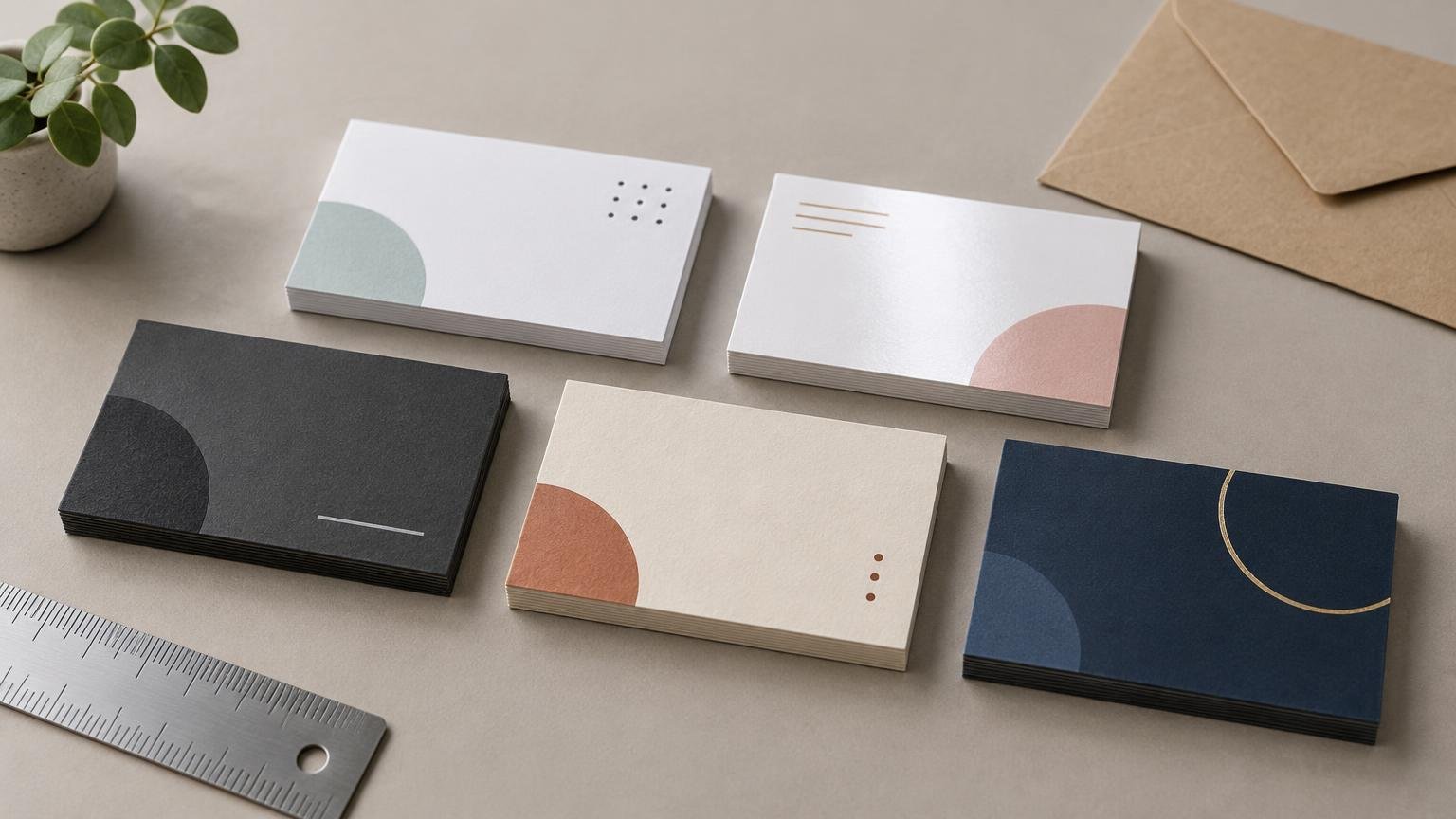
The best websites for business card printing serve different buyers. VistaPrint is the strongest starting point for most people who want templates, guided design and a sample option. MOO is the more interesting choice for specialty finishes or multiple designs in one order. Staples and FedEx Office are the practical deadline picks when eligible cards are available for local pickup.
This is a research-based comparison of current product information, ordering tools, published fulfillment details and policies—not a fresh physical test of cards from every provider. Without matched test orders, it would be irresponsible to claim that one printer has definitively better color accuracy, trimming or stock quality. The useful comparison is what each service offers, how easy it appears to order, what the complete order costs and whether it can meet your deadline.
The best business card printers by use case
| Service | Best fit | Notable advantage | Main tradeoff |
|---|---|---|---|
| VistaPrint | Best overall starting point | Template-led design, previews and sample kit | Final value depends on configuration, shipping and upgrades |
| MOO | Premium and creative cards | Specialty finishes and multiple designs in one order | Premium options can make a small order relatively expensive |
| Staples | Fast local pickup | Selected traditional cards may qualify for same-day pickup | Stock eligibility and timing vary; premium stocks are excluded from the cited same-day offer |
| FedEx Office | Urgent print-ready orders | Quick cards may be ready the same day or within 24 hours | Premium cards follow a longer production and shipping schedule |
| Printiverse | An additional custom-print option | Upload or template ordering with proof review | Supplied information is insufficient for a matched price and stock comparison |
Our all-around recommendation is VistaPrint for a first business-card order, especially if you have a logo and contact details but no finished layout. Choose MOO when the card itself is part of the presentation and you are willing to pay for unusual finishes or varied artwork. Start with Staples or FedEx Office when missing tomorrow’s meeting would cost more than saving a few dollars on the order.
VistaPrint: best starting point for most buyers
VistaPrint makes the most sense for buyers who need help moving from “I should probably have a business card” to a usable design. Its business-card templates include safe margins and bleed guidance, and the ordering flow provides a 3D preview. VistaPrint also offers different shipping options and a free business-card sample kit.
That combination is useful for beginners. Templates reduce the need to understand every production term before starting, while a preview can expose obvious layout mistakes. A sample kit is even more valuable if you are undecided about paper and finish, because adjectives such as “premium” and “soft touch” are poor substitutes for holding stock in your hand.
VistaPrint is not automatically the cheapest after every choice is added. Compare the same quantity, printing sides, stock, finish and shipping speed against the alternatives. A low starting price for a basic card is not comparable with a two-sided card on upgraded stock delivered quickly.
MOO: best for specialty finishes and varied designs
MOO is the more compelling candidate when you want cards that depart from the standard matte rectangle. The company lists multiple paper stocks and specialty finishes including foil and raised spot gloss. It also says buyers can print different designs within one order at no additional cost.
That multi-design feature has practical uses beyond making a card look clever. A photographer could put a different image on each card, a consultant could use different backs for separate services, and a retailer could rotate QR-code landing pages. Just keep the front identity consistent enough that the set still looks intentional rather than like several jobs accidentally shared a box.
Check dimensions carefully. The MOO-size page reviewed for this guide listed a 3.3-by-2.16-inch format rather than the familiar 3.5-by-2-inch US card. That difference is not inherently good or bad, but it affects templates, holders and any design being moved from another printer. Buyers comparing MOO with another premium service may also find our MOO versus Jukebox business-card comparison useful.
Staples: best for selected same-day pickup orders
Staples is worth checking when a local deadline matters more than having every specialty finish. Its traditional business-card range lists 14pt, 16pt and 38pt stocks. The company says selected traditional cards are available for same-day pickup, but identifies its premium 16pt and 38pt choices as exceptions.
The important word is “selected.” Same-day availability can depend on the location, order details, stock and the time you submit the job. Confirm that the exact configuration in your cart qualifies at your chosen store before relying on it. A product-page promise does not reserve a production slot.
Staples may also look attractive for a straightforward batch of traditional cards, but compare the delivered or pickup total rather than the advertised starting number. Quantity, printing on one or two sides, stock and finish must all match for the price comparison to mean anything.
FedEx Office: best for urgent print-ready files
FedEx Office divides its offering into Quick and Premium business cards. It states that Quick Business Cards are generally available for pickup the same day or within 24 hours. Premium cards require about five business days of production plus shipping. This makes the Quick range the relevant one for a near-term event; selecting premium stock defeats the purpose if the deadline arrives first.
FedEx Office is also unusually direct about one common file setup. For a 3.5-by-2-inch finished card, it specifies a 3.75-by-2.25-inch upload size that includes bleed and recommends artwork at 300 dpi or higher. Do not assume those dimensions transfer to another provider or card format. Download the template for the exact product you are buying.
Where Printiverse fits
Printiverse lists business cards among its custom-print categories and describes an ordering process involving uploaded artwork or templates, proof review and a stated three-business-day production target, with many orders shipping sooner. Buyers considering a broader custom-print order can examine its business cards and other custom print products.
We are not assigning it a category win here because the supplied product information does not expose enough comparable stock, finish and price detail for the same configuration used with the other candidates. Before ordering, confirm the dimensions, stock, coating, corner style, quantity, proof process and delivery estimate in the current product workflow.
How to compare business-card prices without fooling yourself
Starting prices are designed to get attention, not settle comparisons. The cheapest advertised number may apply to a different quantity, thinner stock, one-sided printing or a slower delivery method. Promotions further muddy the water. The honest approach is to build matched carts.
For a typical comparison, price 250 and 500 standard-size cards using the same assumptions: full color on both sides, square corners, a comparable matte stock, one print-ready PDF, the same delivery ZIP code and no temporary coupon unless every provider has an equivalent offer. Then record the total after shipping and mandatory charges. Run a separate comparison for rush delivery or pickup rather than mixing it with standard shipping.
- Card quantity and finished dimensions
- One-sided or two-sided printing
- Stock type and approximate thickness
- Matte, gloss, uncoated or specialty finish
- Standard or rounded corners
- Design, setup or proof charges
- Production estimate and shipping speed
- Shipping, pickup fees and taxes
- Whether the displayed promotion is temporary
If the difference is small, choose based on workflow and deadline rather than chasing pennies per card. A slightly cheaper order is poor value if the proof is confusing, the file requirements force a redesign or the cards arrive after the event.
What paper and finish should you order?
14pt versus 16pt and heavier stocks
A 14pt card is a conventional choice for routine networking, appointment cards and large distributions. Moving to 16pt generally gives the card a more substantial feel without turning it into a novelty. Very heavy stocks can make sense for luxury services, design studios or cards intended to be kept, but they cost more and may offer fewer fast-production choices.
Do not treat thickness as a complete quality score. Surface, stiffness, coating, printing and edge treatment all affect how a card feels. Two stocks with similar nominal thickness can still present differently. Order samples when tactile impression is important.
Matte versus gloss
Matte is the safer general-purpose finish. It reduces glare, suits text-heavy layouts and usually feels restrained. Gloss can add punch to photographs and saturated colors, but it is more reflective and can show fingerprints. If people need to write appointment times or notes on the card, choose an uncoated or explicitly writable area rather than assuming every matte coating accepts pen well.
Foil, raised gloss and other upgrades
A specialty finish earns its price when it reinforces one focal element: a logo, name, border or small pattern. Applying it everywhere usually reduces contrast and increases cost without improving communication. Ask whether the upgrade helps the recipient understand or remember the business. If the answer is merely “it was available in the menu,” keep the standard finish.
Prepare a business-card file that survives trimming
Bleed extends backgrounds and images beyond the final cut line. The safe area keeps important text and logos away from that line. Both matter because trimming has normal production tolerance; placing a hairline border exactly at the edge invites visibly uneven margins.
Use the printer’s template for the exact card rather than creating one from remembered dimensions. Export text and logos cleanly, check image resolution at final size and review both sides at 100% scale. Our guide to bleed, safe area, trim and DPI explains the terms in more detail.
- Confirm the finished size, orientation and corner style.
- Extend edge-to-edge backgrounds through the full bleed area.
- Keep names, phone numbers, URLs and QR codes inside the safe area.
- Check that small text remains readable at actual printed size.
- Look for accidental white edges, hidden layers and substituted fonts.
- Verify phone numbers, email addresses and domain names character by character.
- Print a paper proof at 100% size before approving the online proof.
For QR codes, leave clear space around the code, preserve strong contrast and avoid placing it across foil, folds or visually busy imagery. Test it from a printout at actual size with more than one phone. A code that works when enlarged on a monitor has not yet passed the useful test.
What if the business card will be mailed?
Do not assume a loose business card qualifies as an ordinary letter or postcard solely because it is rectangular. USPS machinability depends on the complete mailpiece, including dimensions, rigidity, exterior material and other physical characteristics. Specialty surfaces or unusually rigid formats can change how a piece is treated. Consult the relevant USPS design standards for mailpieces or place the card inside a compliant envelope rather than guessing.
The final decision
Start with VistaPrint if you want the easiest broad path from template to finished order. Pick MOO when distinctive stock, specialty finishing or multiple designs justify a premium. Check Staples and FedEx Office first when local speed is the deciding factor, but verify the exact store, stock and pickup promise before paying.
Whichever service you choose, compare matched carts and approve the proof slowly. The expensive business-card mistake is rarely choosing matte instead of gloss. It is ordering 500 copies of a typo, a clipped logo or a QR code that leads nowhere.
References
- Business Card Printing Services – Order Online
- Design & Print Custom Business Cards: Quick & Premium | FedEx Office
- Create & Design Custom Business Cards Online | VistaPrint
- MOO Business Cards – Design & Print Double-Sided Business Cards
- Printiverse – Custom Print Products | Stickers, Invitations & Cards
- Square Business Cards – Printiverse
- 200 Commercial Letters, Flats, and Parcels Design Standards | Postal Explorer